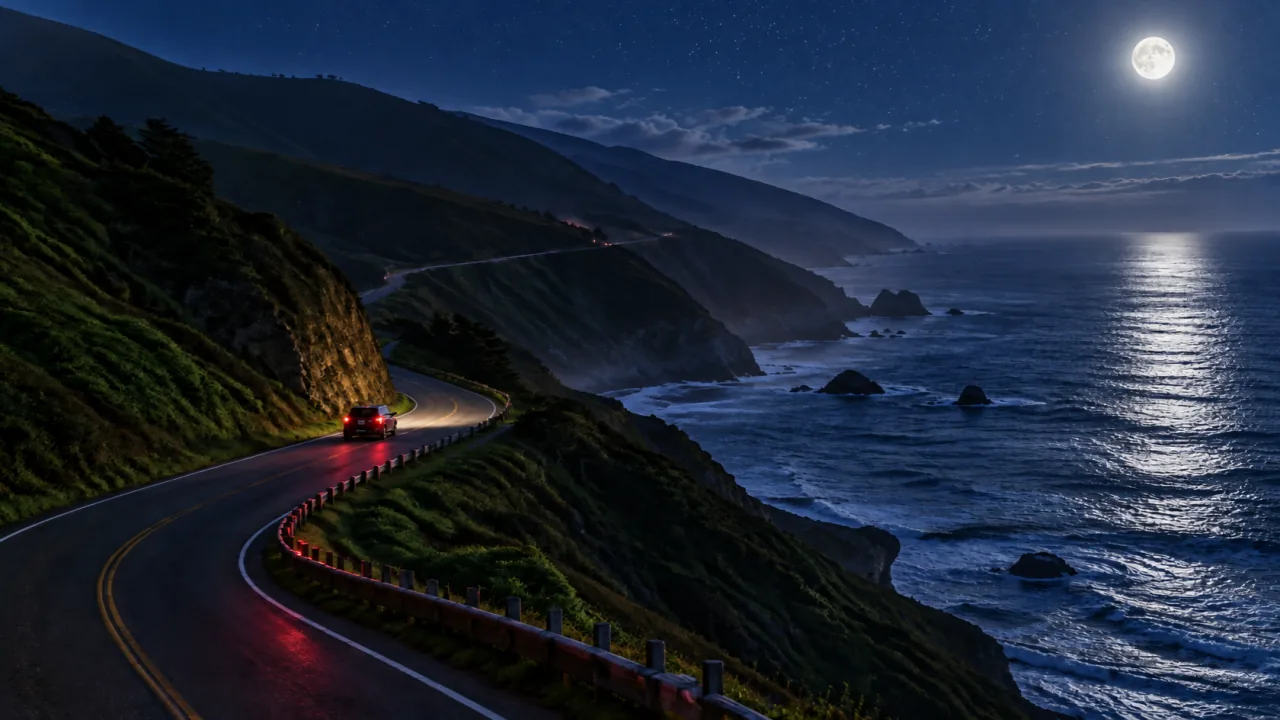
64 transitions, 47 behaviors
Wipes, shape reveals, 3D, glitch and light leaks. Every one previews live when you hover it, rendered by the same engine as your export.
Record your screen, camera and voice. Monstrava zooms in where you click, smooths your cursor and writes the captions, so your viewers see exactly what you meant.
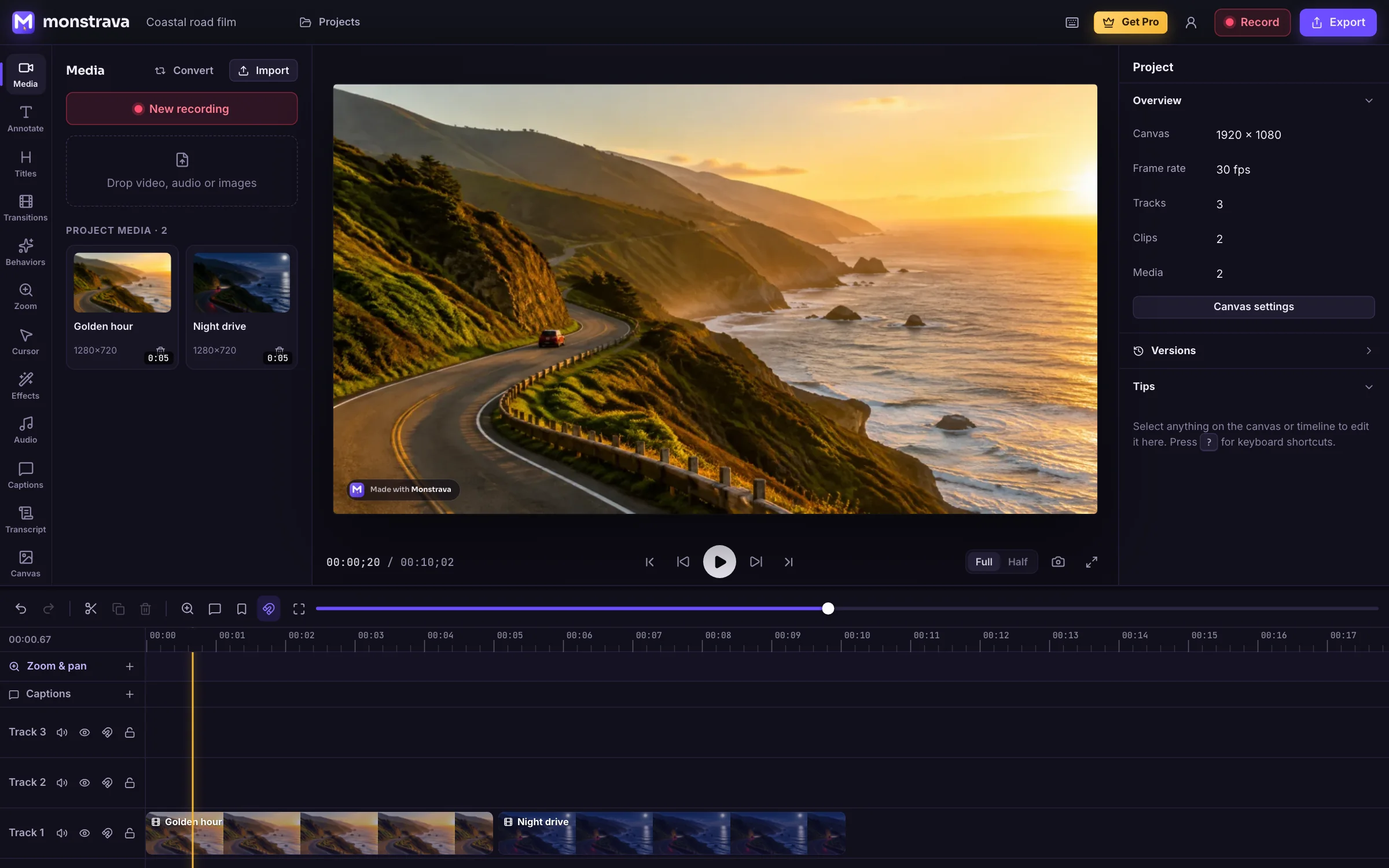
Runs where you work
Screen, camera, mic and system audio, each on its own track, up to 4K at 60 fps. Monstrava notes every click as you go.
Zooms land on your clicks, the cursor glides instead of jitters, and captions write themselves on your device.
Export MP4, GIF or WebM. Want feedback first? Send a review link: people leave notes at the exact moment, and after a day the link and its video are gone.
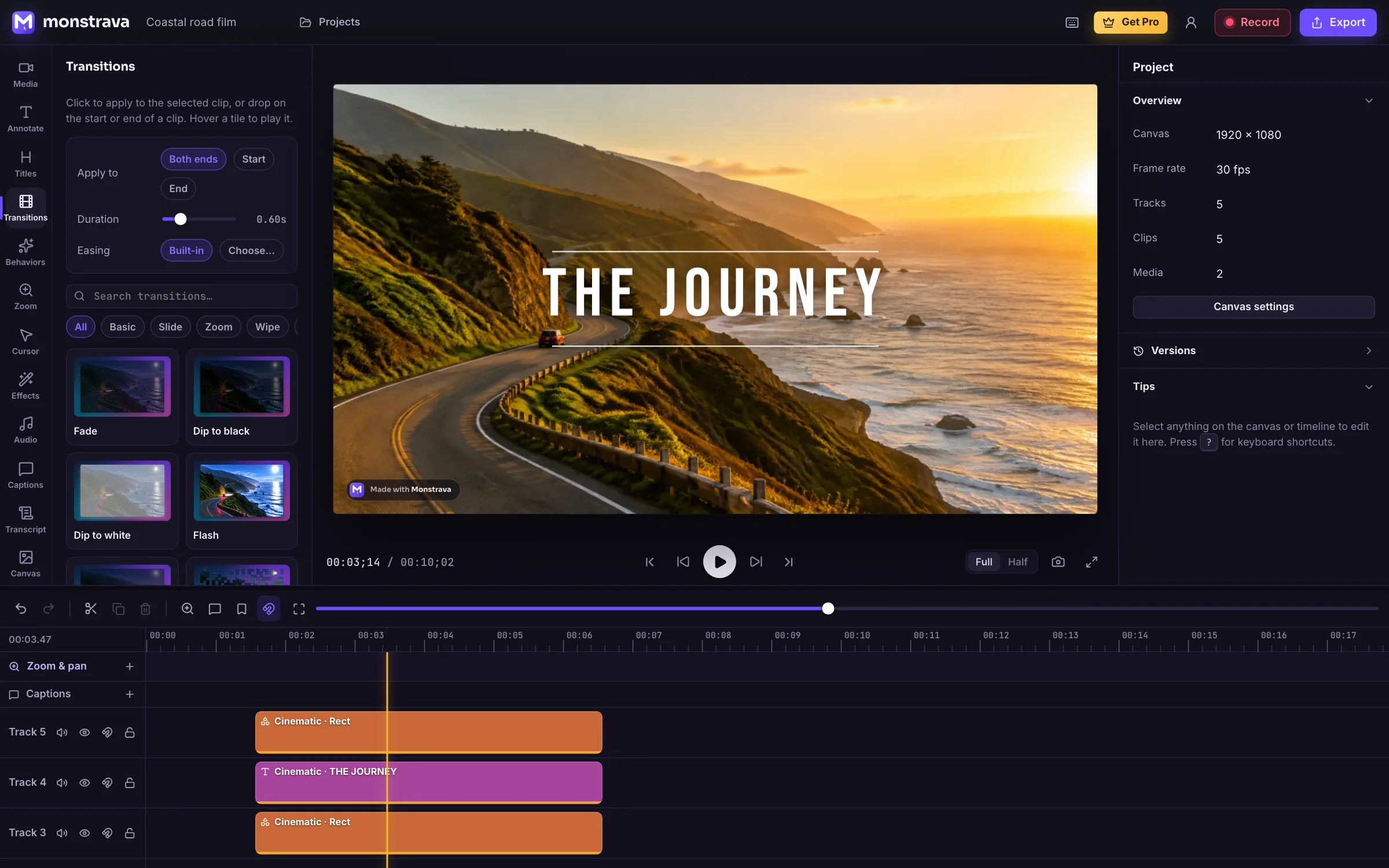
The polish people pay an editor for, done in a few clicks. A full multi-track timeline is underneath whenever you want it.
Wipes, shape reveals, 3D, glitch and light leaks. Every one previews live when you hover it, rendered by the same engine as your export.
Speech is transcribed on your own device, in your language. Nothing leaves your machine.
Monstrava redraws your pointer on a smooth path, with click ripples, a spotlight and a magnifier. Eight skins, ten click styles.
Delete a word in the transcript and the video follows. Cut every “um” and long pause in one click.
Noise removal, leveling, EQ and loudness match. A laptop mic, made to sound like a booth.
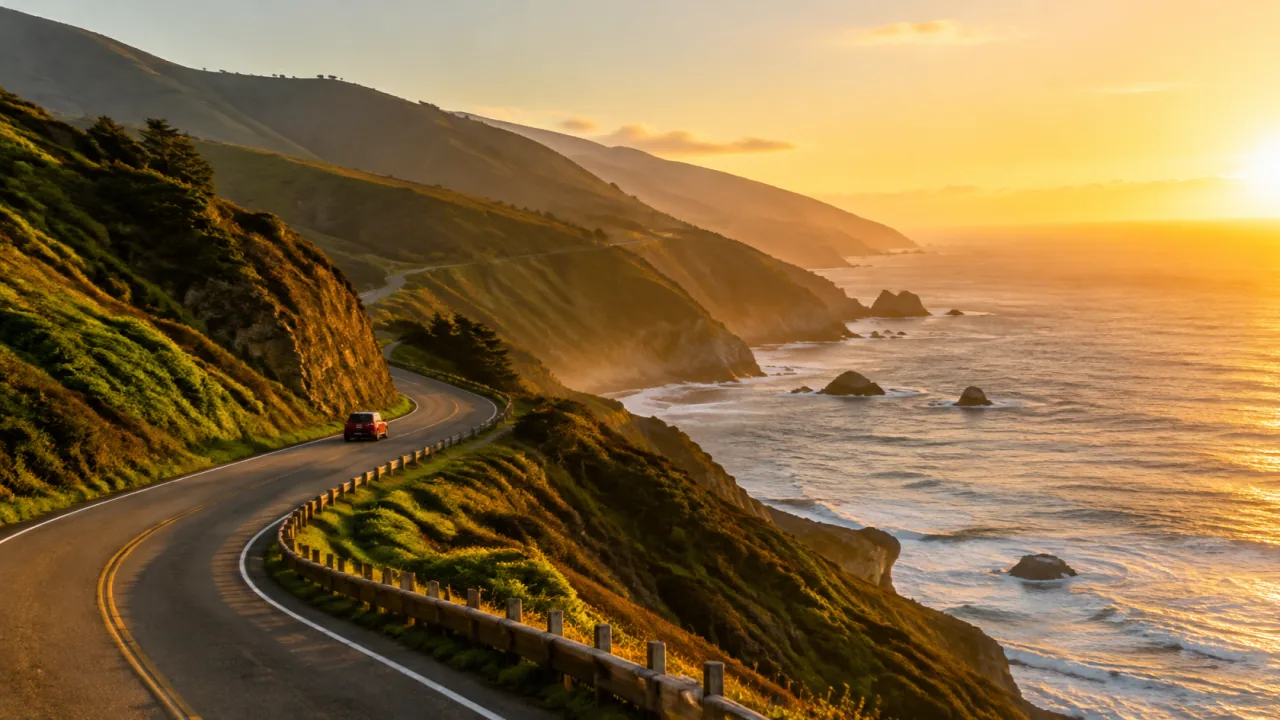
Exposure, white balance, split toning, LUTs and 25 one-click looks. Drag to compare.
Emails and keys are found and blurred automatically, and the blur follows them as they move.
Transcription, background removal, noise removal and auto-blur all run on your device.
Autosave, version history and recordings live on your computer. No account needed to make anything.
A video leaves your device only when you make a review link, and then only a small 720p copy. It’s deleted when the link expires, after three days at most.
Same projects, same features, same Pro license, wherever you sign in.
Chrome, Edge, Firefox and Safari. Install it as an app and it works offline.
Open the appmacOS (Apple silicon and Intel), Windows and Linux. Adds window and region capture, system audio and shortcut callouts.
DownloadCut, join, add music and text on iPhone and Android, with the same account.
Coming soonThe whole editor is free. Pro is a single purchase with no subscription, and it unlocks every device you sign in on.
$0forever
Everything you need to record and edit.
$79once, no subscription
For videos that carry your name.
Prices in US dollars. Tax is added at checkout where it applies. Not happy? See our refund policy.
Yes. Recording, the full editor, every effect and transition, and on-device captions are free with no time limit. Free exports go up to 1080p and carry a small “Made with Monstrava” mark. Pro removes it.
No. Open the app and start recording. You only sign in to buy or use Pro, with a six-digit code sent to your email. There are no passwords to remember.
On your device. The desktop app keeps recordings as files on your disk, and the web app keeps them in your browser’s storage. Monstrava’s servers never see them unless you create a review link, and then only a small copy that’s deleted when the link expires.
No. Pro is a one-time purchase linked to your account. Sign in on any browser or computer and it’s unlocked there too. It keeps working offline, and refreshes the next time you’re online.
Editing and export work in current Chrome, Edge, Firefox (130+) and Safari (17+). Screen recording works in desktop browsers. The desktop app runs on macOS, Windows and Linux. See the full requirements.
Yes. What you make with Monstrava is yours, on Free and Pro alike, for client work, courses, products or ads.
Free in your browser. No sign-up, no install, no credit card.